
Shipping is one of those tasks that quietly eats a small business’s day. A few orders become a dozen, the dining table turns into a packing area, and suddenly you are hunting for tape, reprinting labels and guessing at box sizes. A dedicated shipping station fixes that. It does not need much space or money, but it does need a little planning.
This guide walks through how to set up a shipping station that saves time, reduces damaged deliveries and keeps your postage costs under control, whether you ship five packages a week or fifty a day.
Step 1: Pick the right spot
The best location is one you will not have to clear every time you work. A spare corner of an office, a garage wall or a section of a storage room all work. Look for:
- A sturdy flat surface at least 4 feet wide, so you can open a large box and still have room for a scale and printer.
- Good lighting, because small label errors and damaged items are easy to miss in a dim room.
- Nearby storage for boxes and packing materials, ideally shelves within arm’s reach.
- A power outlet and Wi-Fi for the label printer, scale and computer.
- A clear path to the door, so outgoing packages do not block the room while they wait for pickup or drop-off.
Think about workflow in one direction: products come in from one side, get packed in the middle, and leave labeled on the other side. Even in a small corner, that simple left-to-right flow prevents mix-ups.
Step 2: Get the essential equipment
You do not need to buy everything at once, but these items pay for themselves quickly.
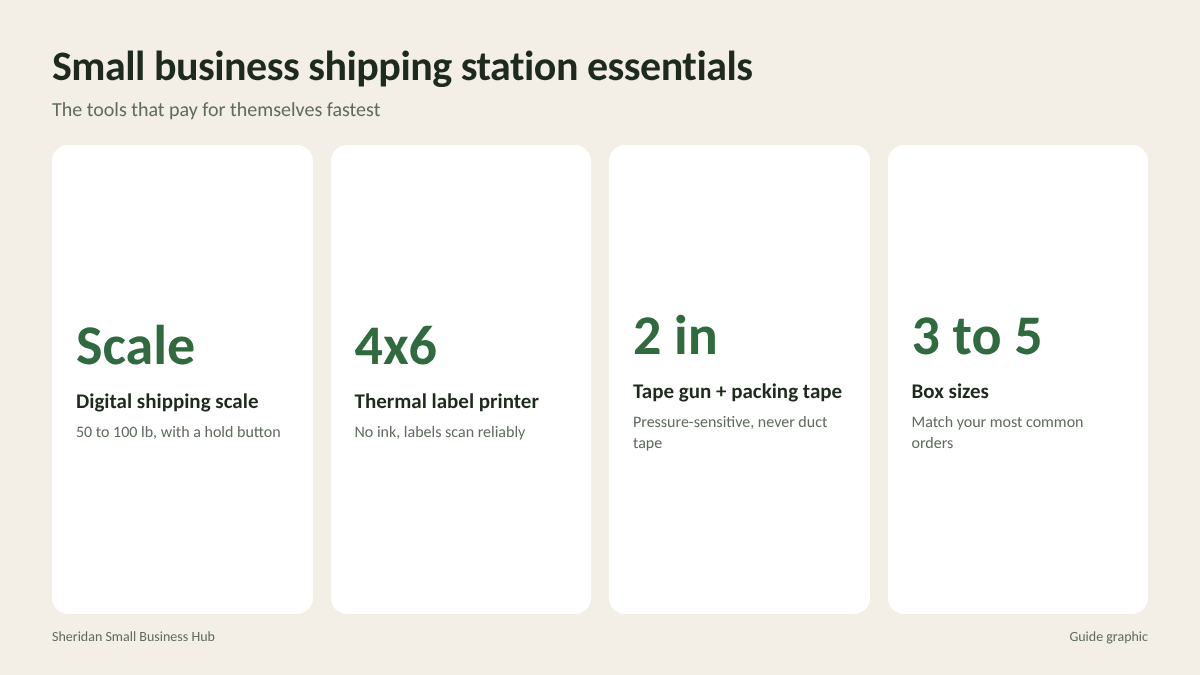
A digital shipping scale
Guessing weights leads to either overpaying for postage or packages being returned for insufficient postage. A basic postal scale that handles up to 50 or 100 pounds covers most small businesses. Pick one with a hold function so you can read the display when a large box covers it.
A thermal label printer
Thermal printers use heat instead of ink, so there are no cartridges to replace. They print the standard 4 x 6 inch shipping labels used by every major carrier and shipping platform. Peel-and-stick labels are faster and more reliable than printing on paper and taping it down.
A tape gun and good tape
Carriers recommend pressure-sensitive packing tape at least 2 inches wide. Avoid masking tape, duct tape and string. A tape gun lets you seal a box with one hand while holding the flaps with the other.
A measuring tape or ruler
Box dimensions affect price as much as weight does, because carriers charge by dimensional weight on larger boxes. Measure every new box size once and write the dimensions on the shelf label.
Step 3: Stock the right boxes and packing materials
The most common shipping mistake small businesses make is using one or two box sizes for everything. A box that is too large wastes money on dimensional weight and needs more fill; a box that is too small crushes products.
- Keep three to five box sizes that match your most common orders. Track which sizes you use most for a month, then reorder those in bulk.
- Use poly mailers for soft, unbreakable items like clothing. They are light and cheap to ship.
- Use padded mailers for small, flat items like books or accessories.
- Choose cushioning to match the product: kraft paper for general fill, bubble wrap for fragile items, and foam or molded inserts for electronics and glass.
Free carrier-branded boxes are available for some services, such as USPS Priority Mail and FedEx Express. Just remember they must be used only with that carrier and service.
Step 4: Choose your shipping software
Writing labels by hand or buying postage at the counter for every package does not scale. Shipping software connects to your online store, pulls in order details, compares carrier rates and prints labels in a few clicks. Most platforms offer discounted commercial rates that are lower than retail counter prices.
When choosing a platform, check:
- Integration with your store (Shopify, Etsy, WooCommerce, Amazon and others)
- Which carriers it supports and whether it shows rates side by side
- Batch label printing for busy days
- Automatic tracking emails to customers
- International customs form support, if you ship abroad
Step 5: Build a simple packing routine
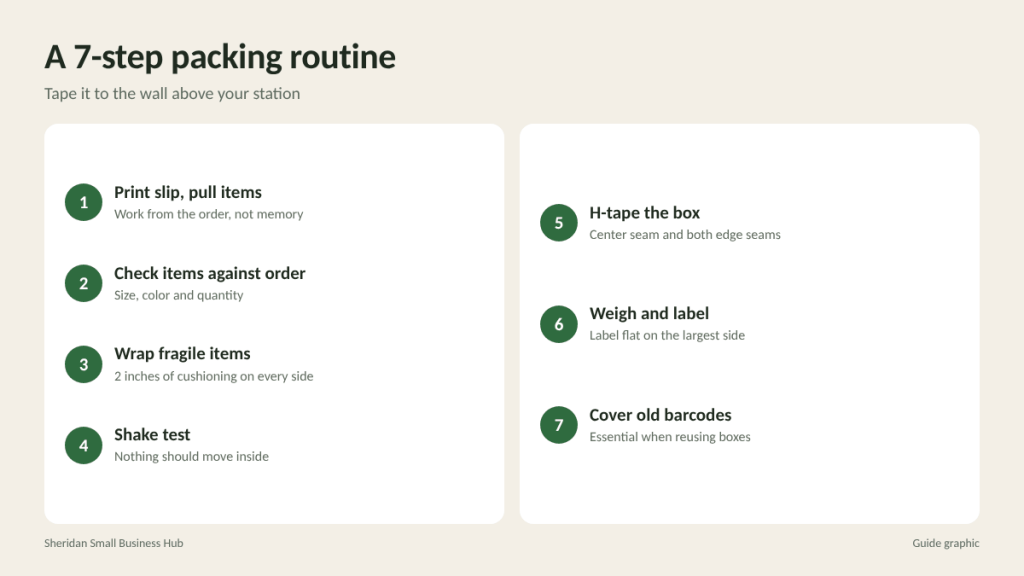
A consistent routine reduces errors more than any piece of equipment. Write it down and tape it to the wall:
- Print the packing slip and pull the items.
- Check the items against the order, including size and color.
- Wrap fragile items individually and leave at least 2 inches of cushioning on every side.
- Shake test: close the box and gently shake it. Nothing should move.
- Seal with the H-taping method, taping the center seam and both edge seams on the top and bottom.
- Weigh, print the label and place it flat on the largest surface, away from seams.
- Remove or cover any old labels and barcodes if you reuse boxes.
Step 6: Decide how packages leave your business
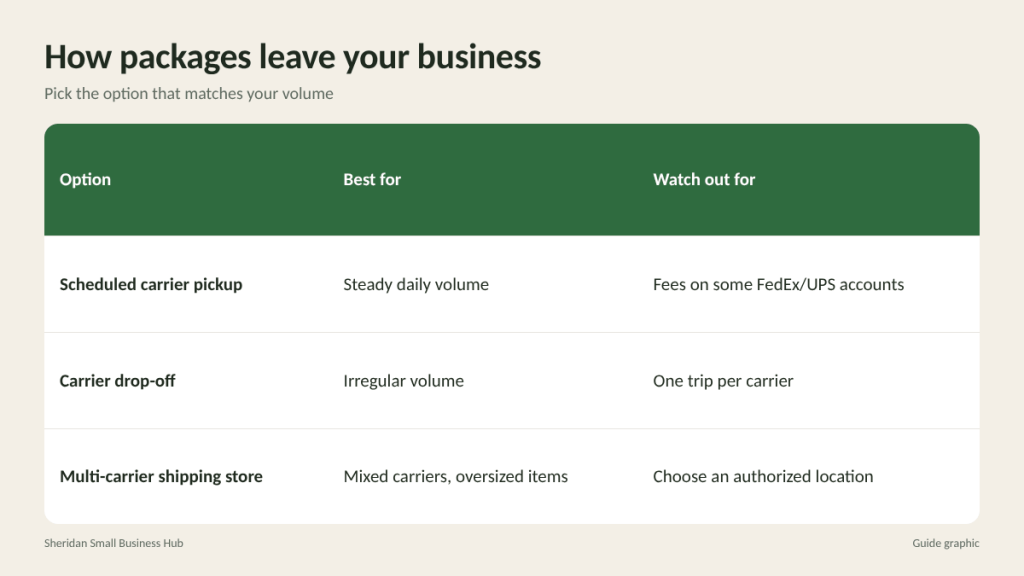
Your station is only half the system. Packages still need to get to the carrier. You have three main options:
- Scheduled carrier pickups. USPS offers free package pickup with your regular mail delivery for many services. FedEx and UPS offer pickups, sometimes for a fee unless you have a daily pickup account.
- Drop-off at a carrier location. Good for businesses with irregular volume. Drop off prepaid packages and get a receipt.
- A local multi-carrier shipping store. If you ship with more than one carrier, a store that is an authorized FedEx, UPS and USPS location lets you drop everything in one stop. Staff can also help with oversized items, international paperwork and packing for items you are unsure about.
Step 7: Track costs and improve every month
Once your station is running, review your shipping spend monthly. Look at your average cost per order, which box sizes trigger dimensional weight charges, and how often packages arrive damaged. Small adjustments, such as switching a product to a poly mailer or finding a box 2 inches smaller, can save hundreds of dollars over a year.
Frequently asked questions
How much does it cost to set up a shipping station?
A basic setup with a scale, thermal printer, tape gun and starter supplies typically costs a few hundred dollars. Shelving and a dedicated table add more if you do not already have them.
Do I need a thermal printer?
Not on day one, but once you ship more than a handful of packages a week, a thermal printer saves time and ink costs and produces labels that scan reliably.
What is the cheapest way to ship small packages?
For light packages, USPS Ground Advantage is often the lowest-cost option. For heavier or larger boxes, compare FedEx Ground and UPS Ground, which can be cheaper depending on size and distance.
Should I use free carrier boxes?
They are useful for flat rate and express services, but they can only be used with the carrier and service printed on them.
Shipping from Houston?
If you would rather hand off packages than wait for pickups, The Postal Spot is a FedEx Authorized ShipCenter in Houston that also ships UPS and USPS, and can pack fragile or oversized items for you.