
Inventory is usually the biggest pile of cash a product business owns, and it sits on shelves instead of in the bank. Too little stock and you lose sales, disappoint customers and pay for rush shipping. Too much and you tie up money, run out of space and end up discounting items that went stale. Most small sellers start by tracking stock in their heads, and that works right up until it doesn’t.
This guide covers small business inventory management from the ground up: how to count and record stock, how to decide when to reorder and how much, how to organize a storage area so orders get picked correctly, and how to spot problems before they cost you. The methods work whether you sell online, in a shop or both.
Start with a clean, complete count
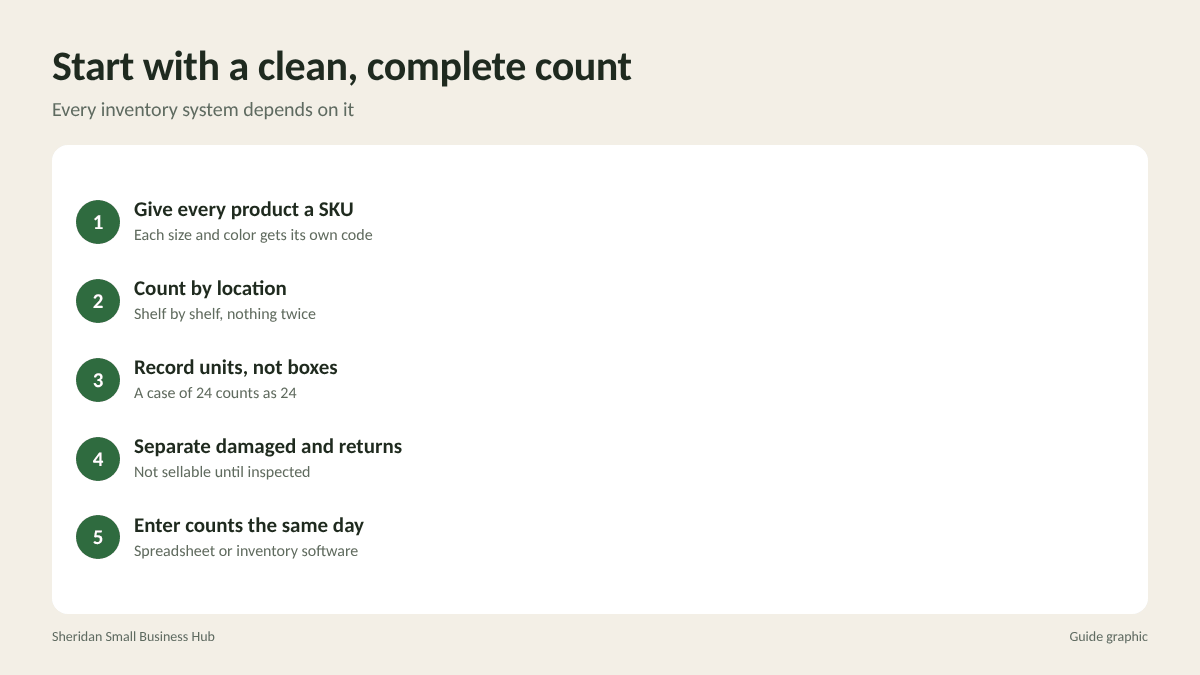
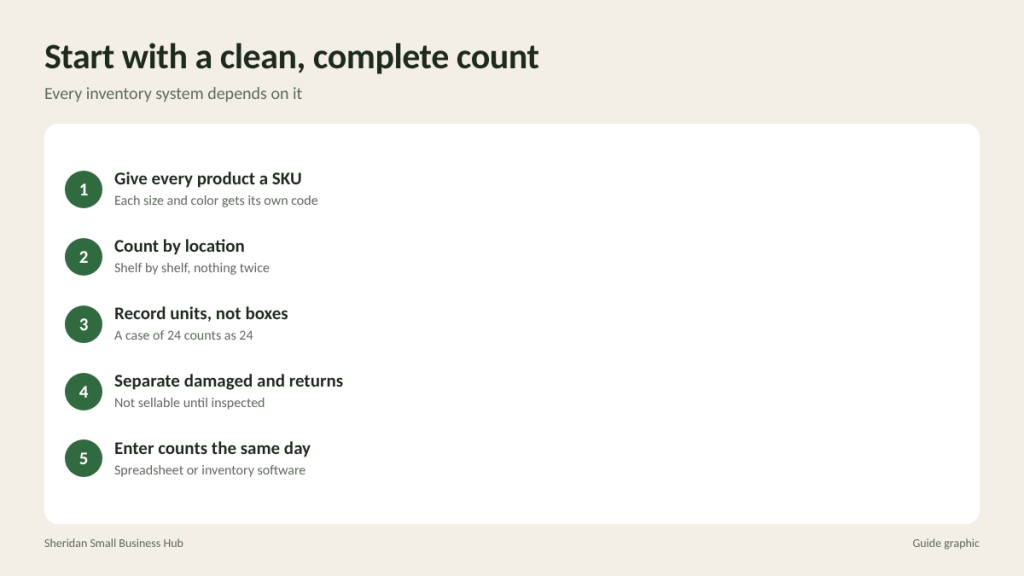
Every inventory system depends on an accurate starting number. Pick a quiet day, pause sales if you can, and count everything you own.
- Give every product a SKU. A SKU (stock keeping unit) is a short code you create for each distinct item, including each size and color. Keep the format simple and consistent, such as TEE-BLK-M for a black medium t-shirt.
- Count by location. Work shelf by shelf so nothing is counted twice or skipped.
- Record units, not boxes. A case of 24 counts as 24 units unless you sell only full cases.
- Separate damaged and returned items. They are not sellable stock until inspected.
- Enter the counts into your spreadsheet or inventory software the same day.
Choose a tracking method that fits your size
You do not need expensive software on day one, but you do need one place that holds the truth.
- Spreadsheet: Works for a few dozen SKUs and low daily volume. Columns for SKU, description, location, quantity on hand, reorder point, supplier and unit cost cover most needs. The weakness is that someone has to update it after every sale and delivery.
- Your sales platform’s built-in tracking: Most ecommerce and point-of-sale systems reduce stock automatically when an order is placed. This is often the best starting point for single-channel sellers.
- Dedicated inventory software: Worth considering when you sell on several channels, hold stock in more than one location, or manage purchase orders with multiple suppliers. It keeps quantities synced so you do not sell the same last unit twice.
Whatever you choose, make one rule non-negotiable: every unit that comes in or goes out gets recorded. Most inventory errors start with an unrecorded giveaway, sample, damaged item or return.
Know when to reorder: the reorder point
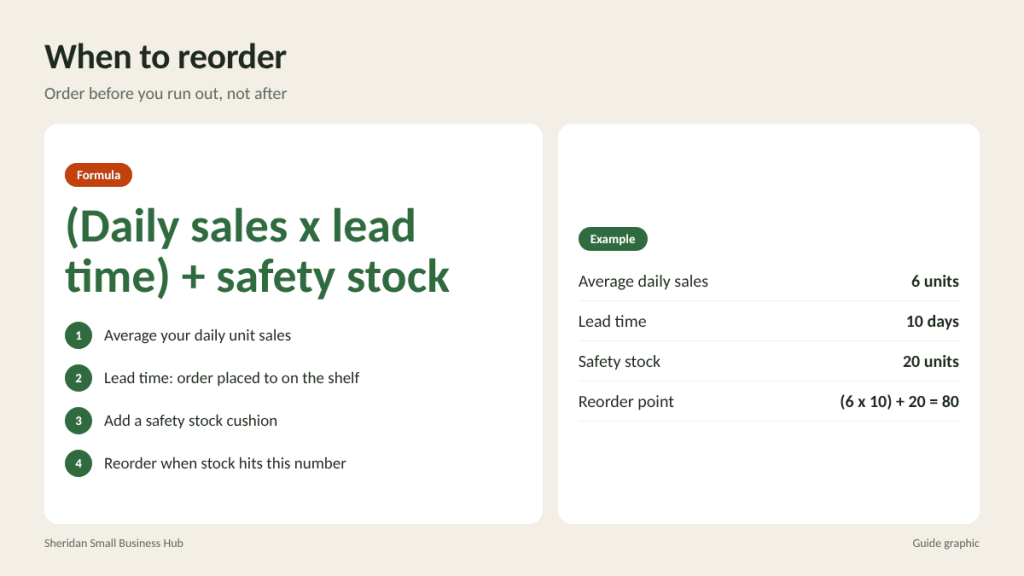
A reorder point is the stock level that tells you to place a new order so it arrives before you run out. The basic formula is:
Reorder point = (average daily sales x lead time in days) + safety stock
Lead time is the number of days between placing an order with your supplier and having the goods on your shelf, ready to sell. Safety stock is a cushion for slow deliveries or a sudden sales spike.
Worked example: you sell an average of 6 units a day of a popular candle. Your supplier takes 10 days to deliver. You keep 20 units as safety stock. Your reorder point is (6 x 10) + 20 = 80 units. When stock on hand drops to 80, place the next order. If the shipment arrives on time, you will have about 20 units left when it lands.
How to set safety stock
A simple approach is to cover a few days of sales beyond your normal lead time. Increase it for items that sell unpredictably, suppliers that are often late and products where running out is costly, such as a bestseller or a component you cannot substitute. Lower it for slow sellers and items you can restock locally in a day.
Decide how much to order
Ordering too little means frequent orders and higher shipping costs per unit. Ordering too much ties up cash. Consider:
- Sales velocity: Order enough to cover a set period, such as 30 or 60 days of expected sales.
- Supplier minimums and price breaks: A lower per-unit price only helps if you can sell the extra units before they go out of style or expire.
- Storage space: A bulk order you cannot store neatly leads to picking errors and damage.
- Cash flow: Money spent on stock that will sit for six months is money you cannot use for marketing or payroll.
- Seasonality: Review last year’s sales by month so you build stock ahead of busy periods, not during them.
Sort products with ABC analysis
Not every SKU deserves the same attention. ABC analysis ranks products by how much they contribute to sales so you focus effort where it counts.
- A items: The small group of products that bring in most of your revenue. Count them often, keep safety stock and watch supplier lead times closely.
- B items: Steady middle performers. Review them monthly.
- C items: The long tail of slow sellers. Keep stock lean, consider ordering only when needed, and discontinue items that rarely sell.
To do it, export 12 months of sales by SKU, sort from highest to lowest revenue, and draw lines where the top group and the bottom group fall. The exact cutoffs matter less than the habit of treating your bestsellers differently.
Organize storage for fast, accurate picking
A tidy stock room prevents more mistakes than any software.
- Give every location an address, such as shelf B, row 2, bin 3, and record it next to the SKU.
- Put A items closest to your packing area so the most common picks take the fewest steps.
- Label bins with SKU and product name, plus a photo for items that look alike.
- Store first in, first out (FIFO). Put new stock behind older stock, especially for anything with a date or that can fade or degrade.
- Keep returns and damaged goods in a separate marked area until someone inspects them.
- Keep packing supplies near the pick area so packed orders flow straight to labeling and out the door.
Run cycle counts instead of yearly shutdowns
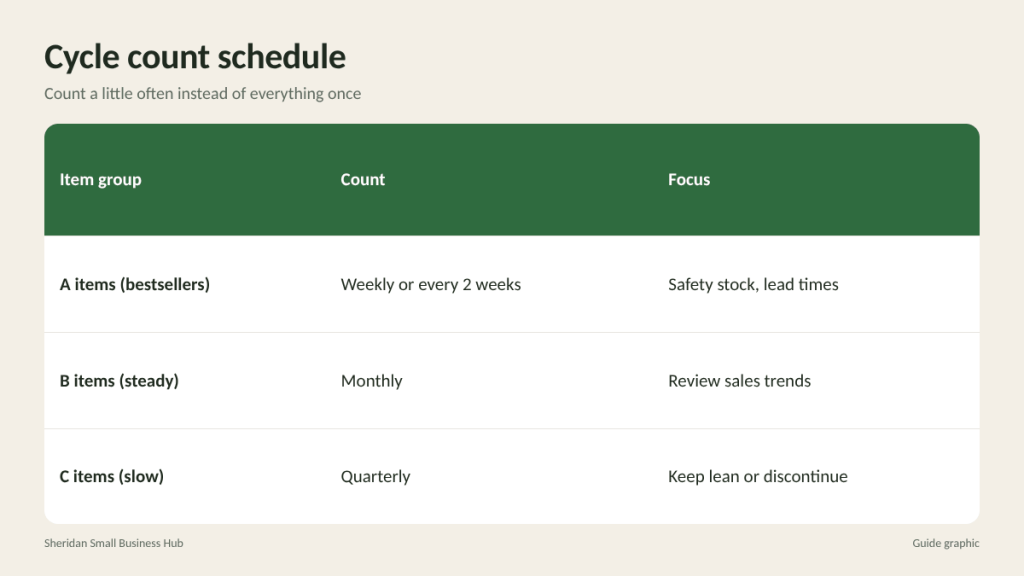
A full annual count is useful, but problems can grow for months before you find them. Cycle counting means counting a small section of your stock on a regular schedule so every item gets checked several times a year without closing down.
- Count A items weekly or every two weeks.
- Count B items monthly.
- Count C items quarterly.
- Investigate any difference between the count and your records right away, while the cause is still fresh.
Common causes of mismatches include orders shipped without being recorded, returns restocked without inspection, supplier deliveries that were short but recorded as complete, and simple miscounts. Each one points to a process fix.
Track a few numbers that tell you how you are doing
- Stockouts: How often a product sold out before new stock arrived. Frequent stockouts on A items mean your reorder point or safety stock is too low.
- Inventory turnover: Cost of goods sold over a period divided by the average value of stock you held. A higher number means stock moves faster. Compare your own figure over time.
- Dead stock: Items with no sales in 90 days or more. Bundle them, discount them or donate them before they take up more space.
- Count accuracy: The share of cycle counts that match your records. Falling accuracy is an early warning sign.
Frequently asked questions
What is the simplest inventory system for a new business?
Use the inventory tracking built into your sales platform, assign a SKU to every item, and do a short cycle count each week. Move to dedicated software when you sell on multiple channels.
How often should I do a full inventory count?
At least once a year, typically at year end for tax and accounting purposes. Regular cycle counts in between keep records accurate.
What is the difference between lead time and transit time?
Transit time is how long shipping takes. Lead time covers the whole process, including the supplier processing your order, transit and receiving the goods into your stock.
How do I handle returned items in inventory?
Inspect them first, then record each one as restocked, damaged or discarded. Never put returns back on the shelf without updating your records.
Keeping stock moving out the door?
Once your inventory is under control, getting orders shipped fast is the next step. The Postal Spot is a UPS Authorized Shipping Outlet in Houston that also handles FedEx and USPS, so mixed-carrier orders go out in one trip.