
Digital ads come and go in a scroll, but a well-made printed piece stays on a counter, a fridge or a bulletin board for weeks. For local businesses especially, print is still one of the most direct ways to reach people who live, work and shop nearby. The challenge is knowing which pieces to invest in, how to design them so they get results, and how to avoid paying for boxes of materials that never leave the storage closet.
This starter guide to print marketing for small business covers the main types of printed materials and what each does best, how to plan a print campaign around a clear goal, the design and file basics that make printing go smoothly, how to distribute what you print, and how to measure whether it worked.
Why print still works for small businesses
Print has a few practical advantages that are hard to get any other way:
- It is physical. Someone has to pick it up, and many people keep useful pieces such as menus, schedules and coupons.
- It is local. You can put it exactly where your customers are: your counter, a neighbor’s front door, a community board, an event table.
- It builds credibility. A professionally printed card, brochure or sign signals that your business is established.
- It works alongside digital. A QR code or short web address on a printed piece sends people to your website, booking page or reviews.
The core print materials and what each does
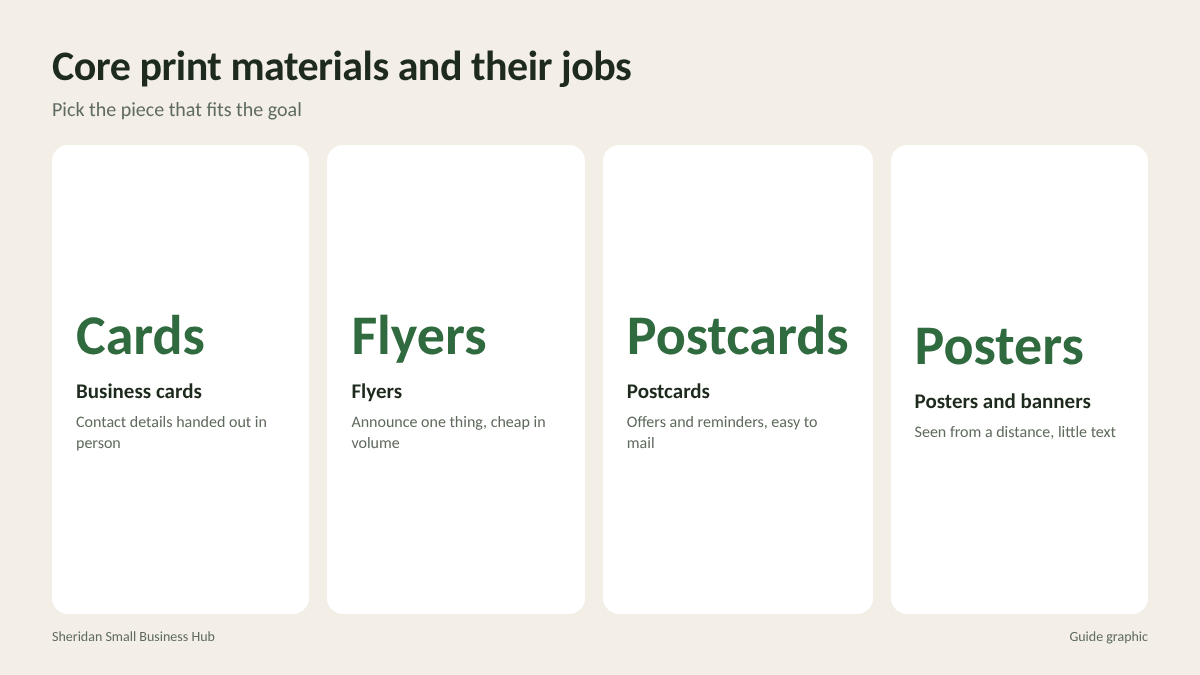
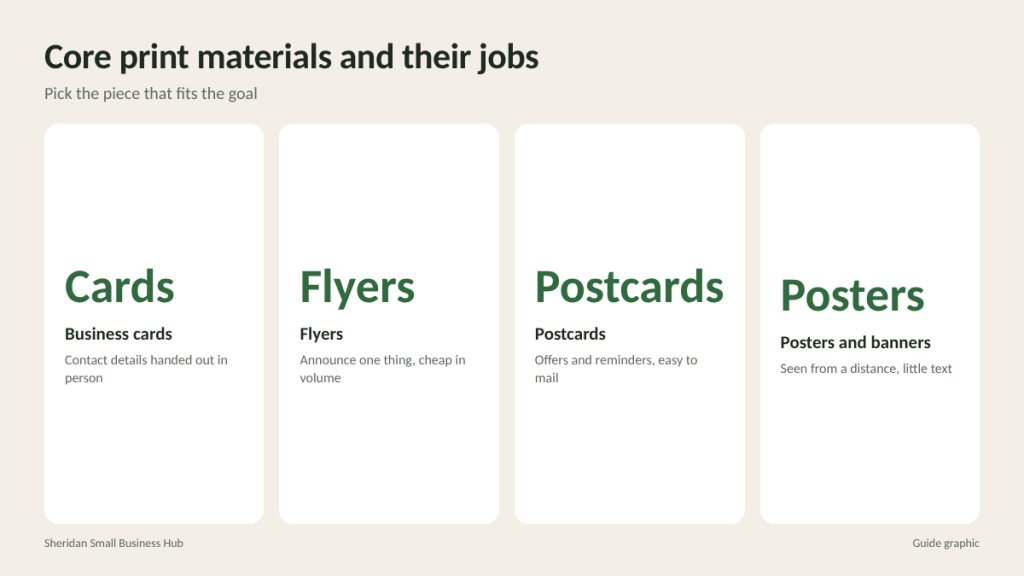
Business cards
Still the simplest way to hand someone your contact details in person. Keep them clean: name, title, phone, email, website and one line about what you do.
Flyers
Single sheets that announce one thing: an opening, a sale, an event, a new service. Cheap to print in volume and easy to post or hand out.
Postcards
Sturdier than flyers and ideal for mailing or leaving at a counter. Good for offers, reminders and appointment cards.
Brochures
Folded pieces with room to explain services, pricing structures or a process. Best when customers need more information before deciding.
Posters and banners
Large-format pieces for windows, walls, events and trade shows. Their job is to be seen from a distance, so they need very little text.
Branded extras
Stickers, packaging inserts, thank you cards, menus, door hangers and loyalty cards extend your brand into the customer’s hands after the sale.
Plan a print campaign in five steps
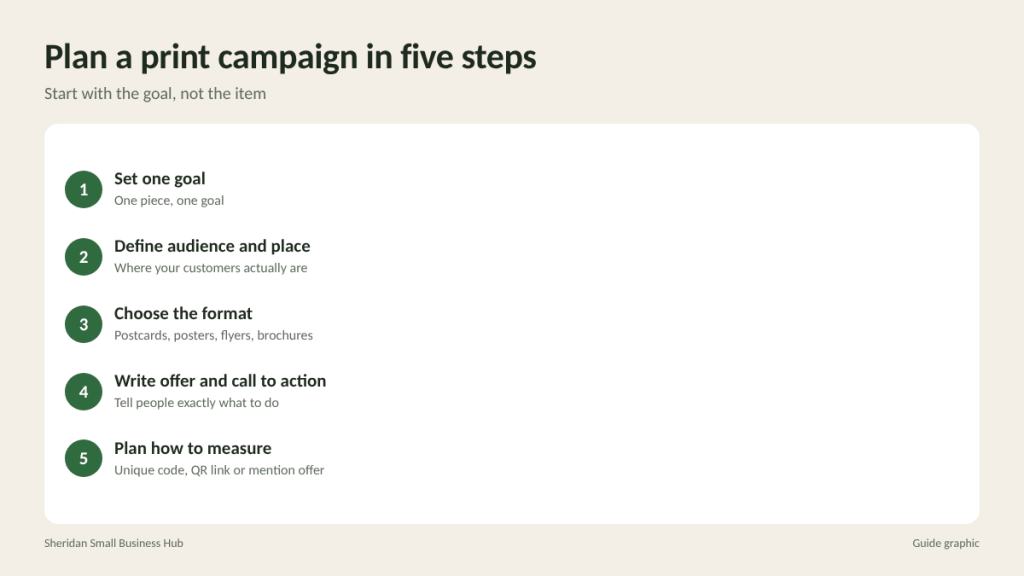
The most common print mistake is starting with the item (“we need flyers”) instead of the goal. Plan in this order:
- Set one goal. More walk-ins on weekdays, more bookings for a new service, more sign-ups for an event. One piece, one goal.
- Define the audience and where they are. Office workers near your shop, homeowners in a specific neighborhood, parents at a school event.
- Choose the format that fits. Mailed postcards for homes, posters for foot traffic, flyers for handouts, brochures for considered purchases.
- Write a clear offer and call to action. Tell people exactly what to do: call, scan, visit, book, bring the card in.
- Decide how you will measure it. A unique code, a dedicated QR link or a simple “mention this card” offer lets you count responses.
Design basics that make print work
You do not need to be a designer, but a few principles separate pieces that get read from pieces that get tossed.
- One main message. The headline should be readable in a few seconds. Supporting details come second.
- Clear hierarchy. Headline largest, offer next, details smaller, contact information easy to find.
- White space. Crowded layouts are hard to read. Leave breathing room around text and images.
- Consistent branding. Use the same logo, colors and fonts across every piece so people recognize you instantly.
- Readable fonts. One or two typefaces at most, with body text large enough to read comfortably.
- High-quality images. Blurry photos make a business look careless. Use sharp, well-lit images at full resolution.
File and print basics to get right
Printing problems usually come from files, not printers. Before you send anything:
- Set the correct size for the finished piece, plus bleed if the design runs to the edge. A common bleed is 0.125 inch on each side, but confirm with your printer.
- Keep text inside a safe margin so nothing important gets trimmed.
- Use high-resolution images. Around 300 pixels per inch at final size is the usual standard for sharp print.
- Design in CMYK or expect colors to shift slightly from what you see on screen.
- Export as a PDF with fonts embedded unless your printer asks for something else.
- Proofread twice. Check phone numbers, web addresses, dates and prices letter by letter. Ask someone else to read it too.
How to choose quantity and paper
It is tempting to order a large run because the per-piece price drops, but leftover stock with an expired date or old phone number is pure waste. Order enough for the planned distribution plus a modest buffer.
Worked example: you plan to hand out flyers at 4 events with roughly 150 visitors each and leave 100 at partner businesses. That is (4 x 150) + 100 = 700 flyers. Adding a buffer of about 15 percent brings it to roughly 800. If you are unsure about the response, start smaller and reorder once you know the piece works.
For paper, heavier stock feels more substantial and lasts longer, which matters for business cards, postcards and menus. Lighter stock is fine for flyers meant to be handed out in volume. Glossy finishes make colors pop; matte finishes are easier to write on and reduce glare.
Distribute with intention
Printed pieces only work if they reach the right hands.
- At your counter: Hand a card or postcard with every purchase.
- In your window: Posters announcing current offers or upcoming events.
- Partner businesses: Swap flyers or cards with complementary local businesses that serve the same customers.
- Community boards: Libraries, coffee shops, gyms and community centers, where permitted.
- Events: Booth banners, handouts and sign-up cards.
- Direct mail: Postcards mailed to specific neighborhoods or past customers.
- Inside orders: Inserts and thank you cards in every package you ship.
Measure what you get back
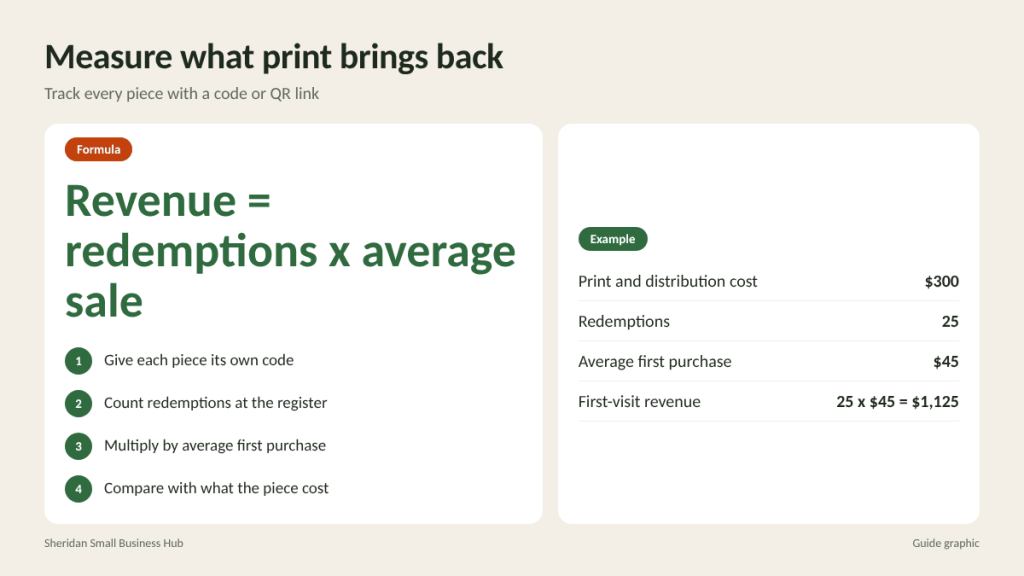
Print is measurable if you plan for it. Use a unique discount code, a QR code that points to a specific page, or a dedicated phone extension for each piece. Then compare the cost with the results.
Keep the tracking simple enough that staff actually use it. A tally sheet next to the register, where every redeemed card or mentioned offer gets a mark, is often more reliable than a complex system nobody updates.
Worked example: you spend $300 printing and distributing postcards. Customers redeem the offer 25 times, and the average first purchase is $45. That is 25 x $45 = $1,125 in first-visit revenue from a $300 spend, before counting any repeat visits. If a second postcard design brings in only 8 redemptions, you have clear evidence of which message works better.
Common print marketing mistakes
- Too much text. If a flyer needs a paragraph to explain the offer, the offer is too complicated.
- No call to action. People should know exactly what to do next.
- Dated information on large runs. Avoid printing short-lived prices or dates on pieces you plan to use for months.
- Inconsistent branding. Different colors and logos on every piece weaken recognition.
Frequently asked questions
What is the best print material for a new local business?
Start with business cards, a simple flyer or postcard announcing your opening offer, and a window poster. Add brochures or banners once you know what customers ask about most.
How many flyers should I print?
Estimate how many you can realistically distribute in the next few weeks, then add a small buffer. Smaller, more frequent runs keep information current.
Do QR codes on print materials still work?
Yes, when they point to a useful, mobile-friendly page and include a short reason to scan, such as “Scan for this week’s menu.”
Should I design my own print materials?
Simple pieces can be designed with online templates. For your logo and core brand materials, a professional designer is worth the investment.
Ready to print your next campaign?
From flyers and posters to banners and copies, printing and copy services in Houston at The Postal Spot can turn your files into finished pieces close to the Galleria.